Fix the Tech. Focus on Ministry.
Practical church technology support
Did someone set up your church tech… and now nobody knows how it works?
We help churches and small organizations troubleshoot, configure, and understand the audio, video, presentation, and livestream systems they already own. We fix what you have BEFORE we recommend what you buy.
No pressure. No automatic equipment up sell. Just practical help and training.

Small problems. Real solutions.
Designed for churches that need a knowledgeable person to step in, solve the problem, and explain what happened.
Presentation Systems
ProPresenter, PowerPoint and other presentation software. Outputs, screens, playlists, lyrics, confidence monitors and basic workflows.
Livestream & OBS
OBS, streaming platforms, capture devices, cameras, audio routing, scenes, sources, stream settings and basic troubleshooting.
Basic Audio
Microphones, mixers, speakers, signal flow, gain structure, routing and basic system setup or troubleshooting.
Small Video Systems
Cameras, HDMI/SDI connections, capture cards, switchers, displays, projectors and simple video signal paths.
Volunteer Training
Hands-on training using your actual equipment. The goal is not just to fix it—it is to make your team less dependent on a technician.
System Cleanup
Untangle confusing setups, label connections, document settings and create simple “Sunday-ready” instructions for your team.
We don't start with a shopping list.
Many churches don’t need a new system. They need someone who understands the system they already have.
Our approach is simple:
- Understand what your church is trying to accomplish.
- Look at the equipment you already own.
- Find the actual problem—not the most expensive solution.
- Fix, configure or simplify the current system whenever practical.
- Only recommend new equipment when it genuinely solves a need.
- Teach your team how to use what was fixed.
Professional help without the big-company price tag.
Free Tech Evaluation
*10 min. phone call evaluation
- Talk through the problem
- Identify likely causes
- Determine remote vs. onsite help
- No equipment sales pitch
Remote Tech Help
*Billed in 30 min. increments
- ProPresenter / presentation help
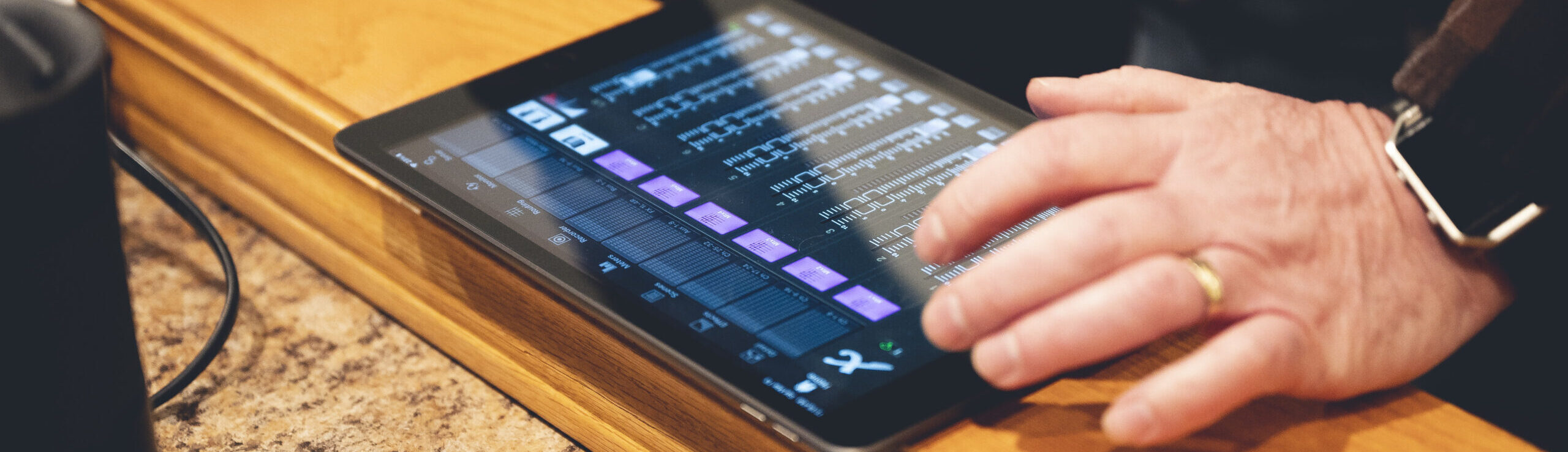
- OBS / livestream troubleshooting
- Screen-share training
- Configuration and workflow help
Onsite Tech Support
*per hour • 1-hour minimum
- Hands-on troubleshooting
- Basic sound/video setup
- System optimization
- Volunteer training included in work time
Tech Tune-Up
*up to 3 hours onsite
- System walkthrough
- Fix several small issues
- Clean up signal paths/settings
- Create a simple handoff checklist
Travel: We do not charge a travel fee for appointments within 20 miles of our office. For locations farther away, a small travel fee is added based on distance.

From “something is wrong” to “we understand it now.”
1. Free evaluation
Tell me what is happening, what equipment you have, and what you want it to do.
2. Diagnose first
We identify the problem before talking about replacements or upgrades.
3. Fix & simplify
I repair the workflow, configure the system, or set up the small piece that is missing.
4. Teach your team
You learn what changed, why it works, and what to do next time.
Built for churches that don't have a full-time tech department.
Not necessarily. The first goal is to understand and fix your current setup. New equipment is only recommended when the existing system cannot reasonably meet the need.
Yes. Remote sessions are ideal for software, settings, streaming, ProPresenter, OBS and many troubleshooting problems.
Absolutely. Training is part of the philosophy: the church should leave with more understanding, not just a repaired system.
No. The same practical support can help small nonprofits, community organizations and small businesses with modest AV or streaming systems.
Yes. A simple setup might include a camera, capture device or switcher, audio feed, OBS or another streaming platform, and a repeatable workflow.
Yes. In fact, that is one of the main reasons this service exists: helping teams understand systems that someone else installed or configured.
Start with a free evaluation.
Tell me what is going wrong. If I can help, we’ll figure out the simplest next step. If you don’t need to buy anything, I’ll tell you that too.
Replace the placeholder contact details in this template before publishing.